The colours, typography, components and imagery that keep kalpanakhot.in consistent. Every value on this page is the specification developers build from.
The bird mark on its own, for places where the full lockup would be too small or would only repeat the name. It is the supplied artwork, cropped to the circle and never redrawn.
Section 06
x = ¼ width
Try it
192 px
Comfortable size
Clear space
One quarter of the mark's width (x) on every side.
Minimum size
32 px for the mark alone. 48 px when it sits beside text. These are proposed values, so confirm them with the brand owner.
Surfaces
White or Tint 03. On any other colour or a photo, place it on a white panel.
Artwork
Supplied file only. Never stretch, recolour, outline or add effects.
File
Transparent PNG for now. Ask the designer for an SVG of the mark before launch, so it stays sharp at every size.
Where the mark works
Eight placements, ordered by how often a visitor sees them
Header, mark only
Recommended
HomeAboutServicesStories
Book a Call
The default. A clean header with room for the five to seven links and one booking button.
Header, mark with typeset name
Alternative
Kalpana KhotCoaching & Consulting
Book a Call
When visitors need to read the name. The text is set in Plus Jakarta Sans, not copied from the logo's lettering.
Mobile app bar
Recommended
Book a Call
Centred between the menu and the booking action. The mark holds up at 30 px where the full lockup would not.
Favicon and profile image
Recommended
Kalpana Khot | Coaching
New tab
16324864Profile 96
Browser tab, home screen icon and the round avatar for LinkedIn, WhatsApp and YouTube. The circle already matches those masks.
Footer on charcoal
Recommended
Begin with a conversation.A free 30-minute Discovery Call
Book a Call
On dark areas the mark always sits on a white rounded panel, as the guidelines require.
Photo corner badge
Alternative
Real sessions
Signs a photograph on story and resource cards. The white pill keeps the mark off the busy image.
Loading screen
Motion
A gentle float inside a teal progress ring. Switch it off when the visitor prefers reduced motion.
Section divider
Detail
Three Offerings
A quiet breath between long sections. Use it once or twice per page so it stays special.
Surfaces
Pick a background to see the rule
Direct
Never
Four ways the mark gets damaged
Stretch or squashKeep the circle a true circle.
RecolourThe mark keeps its own artwork colours.
Sit directly on a photoUse the white badge instead.
Tilt or add shadowsNo glows, outlines or rotation.
The logo's lavender is not in the website palette. That is intended: the mark keeps its own colours and the interface stays teal, charcoal, black and white. Keep the mark away from large teal fills, where its ring would disappear.
Brand Guidelines
Colours, typography and spacing. Exact brand specifications, in one place.
Section 07
Colour
Select any swatch to copy its hex value
Tints 01 to 03 are reproduced from the brand reference. Confirm the exact values before development.
Typography
Plus Jakarta Sans · Regular, Medium, Bold
Aa
Plus Jakarta Sans
Aa Bb Cc Dd Ee Ff Gg Hh Ii Jj Kk Ll Mm Nn Oo Pp Qq Rr Ss Tt Uu Vv Ww Xx Yy Zz 1 2 3 4 5 6 7 8 9 0 ! @ # $ % &
Rooted in the depth of Generative Change. Medium is the primary weight for body copy and Bold is secondary for headings, buttons and emphasis.
Spacing & Grid
8 pt rhythm on a 12 column desktop grid
12 column desktop grid
1200 px content24 px gutter120 px margins
Section spacing 96 to 112Card gap 16 to 24Card padding 24 to 32
Spacing scale · 8 ptRadius · 12 · 18 · 26
12
18
26
UI Components & Interactions
Original component specimens, states and subtle interactions. Everything here is live, so hover, focus and type.
Participant quote appears here. Two to three lines maximum.
Participant nameInner Voyage · Women's Coaching
Program card
LEVEL 13 hours · Online
Generative Change Masterclass
OnlineHybridMumbai
Forms
Type in the last field to see validation
DefaultHelper text sits here
FocusTeal border and soft ring
ErrorAdd a full email address
DisabledThis field is locked
Live field · try it
Enter your email to book a Discovery Call
Interactions
180 to 300 ms · ease-out · respects reduced motion
Card hover 240 ms
Hover me
Hover
Card rises 4 px with a softer shadow.
Nav underline 180 ms
HomeAboutStories
Hover
A 2 px teal line draws under the active link.
Input focus 180 ms
Your full name
Hover
Border turns teal with a soft focus ring.
Easing curve
Fast start, soft landing. Every transition uses the same ease-out curve so the site feels like one calm object.
Imagery, Iconography & Mood Board
Authentic photography direction and a consistent icon family.
Section 09
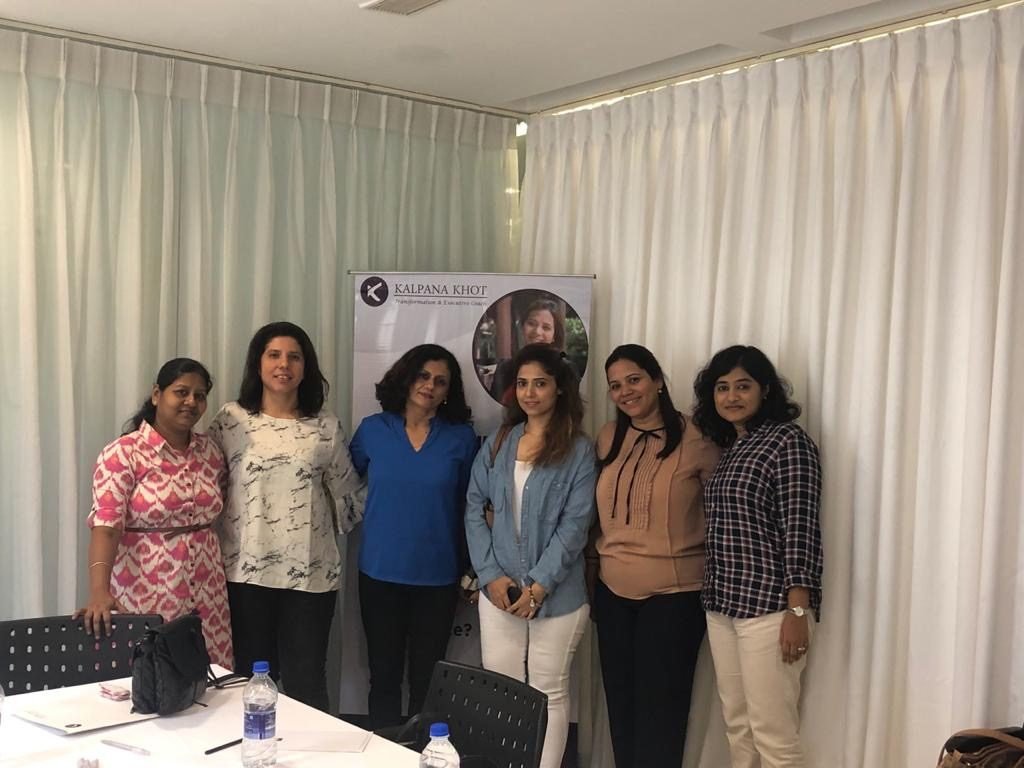
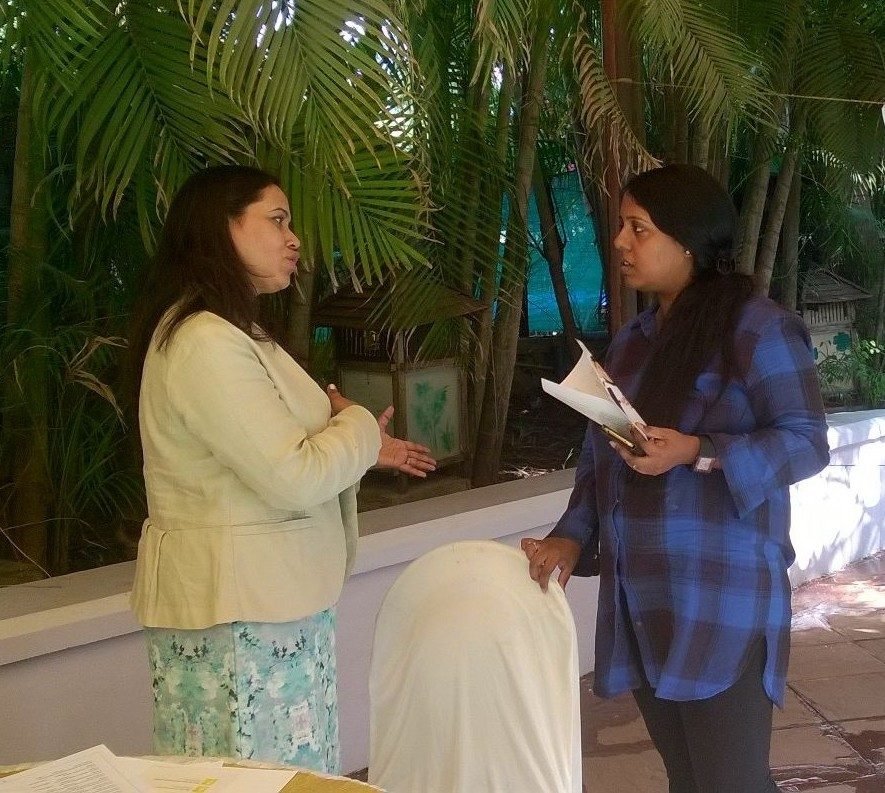
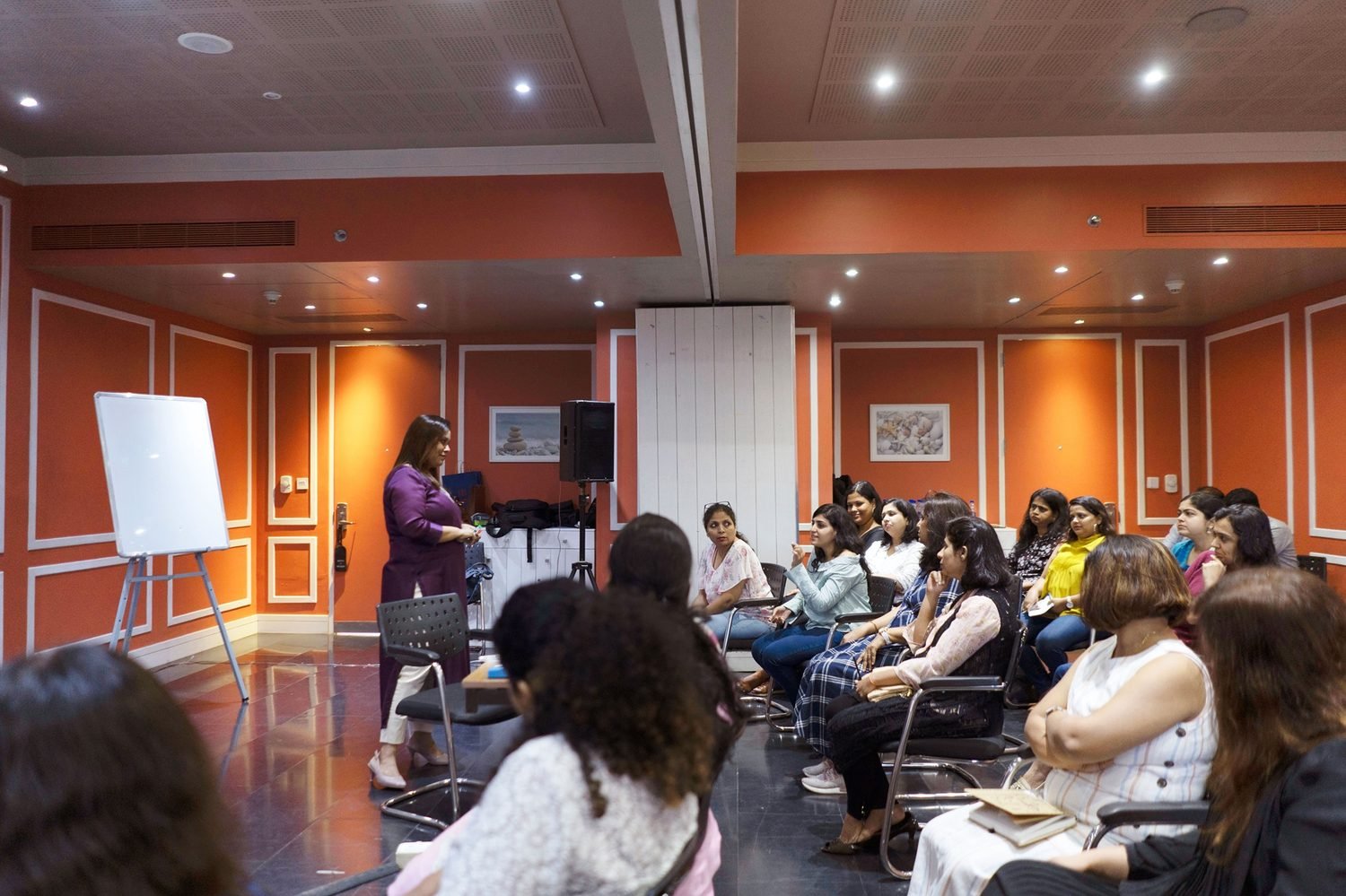
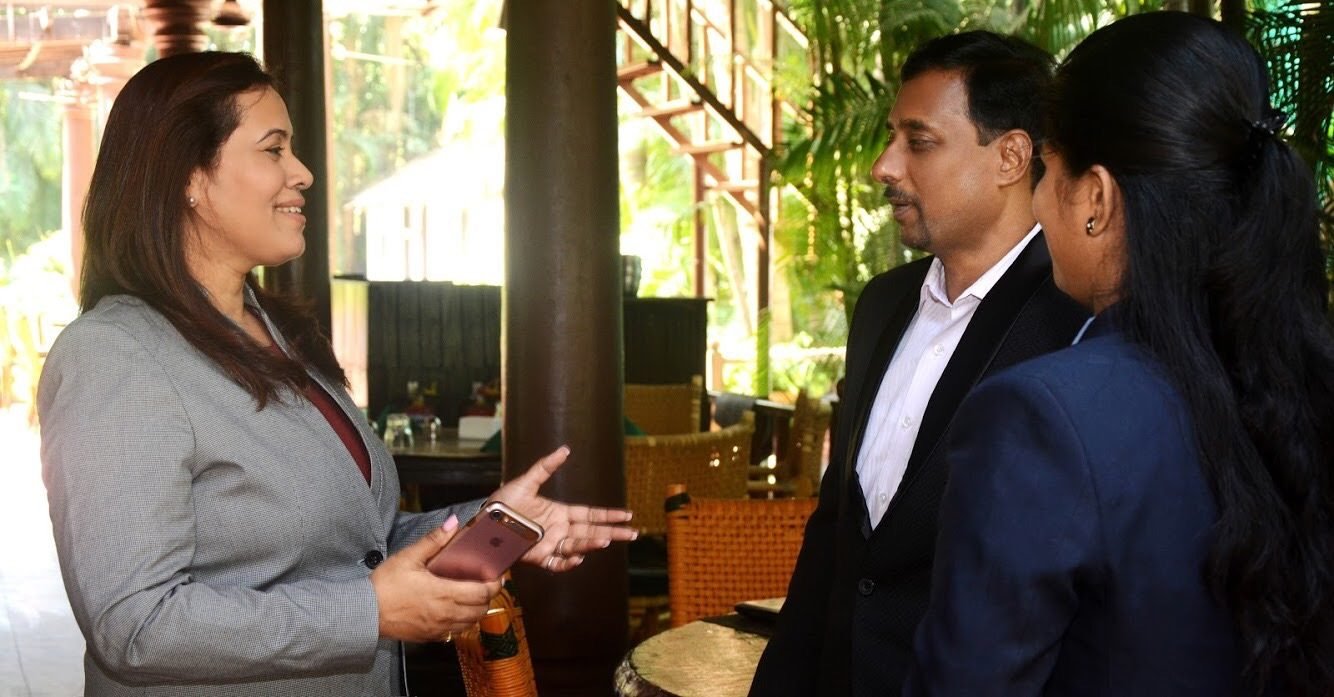
Mood board
Real photography, framed for the site
Lead portraitHome hero and About
Primary
Women's sessionReal moment, soft daylight
Stories
Coaching conversationTwo people, natural light
Coaching
Leadership workshop
Training
Consulting conversation
Consulting
Natural lightTrue skin tones, daylight interiors.
Real momentsGenuine sessions over staged stock.
Calm backgroundsUncluttered, soft and neutral.
No AI imageryNever presented as real client photos.
Photos supplied by the client. The workshop image has strong orange walls that compete with the teal system, so grade it toward neutral before launch. Each photo keeps the 18 px card radius and a soft bottom gradient so captions stay legible.
Iconography
24 px grid · 1.7 px stroke · rounded caps
24 px grid1.7 px strokeRounded caps and joins
Select an icon to copy its name. The slider previews other weights for comparison only. The spec stays at 1.7 px.